8021 Blackburn Avenue
We hope this guide is helpful for you. If you have any questions, please don’t hesitate to contact us via text.
Basics
Getting in and out (aka front door)
We are keyless and there is a code to unlock and lock the front door (and backdoor). The code will be sent to you via text before your arrival. Your code will be deactivated upon your check-out.
Locking the door - listen for the signal that it’s locked
Wifi
The router and modem systems are set up in the coat closet. Spectrum is the current provider.
Wifi network - SpectrumSetup-30
Password - calmcow638
Parking
In addition to the garage, street parking is readily available on Blackburn and the streets around.
To obtain parking permits — resident and guest permits — you can apply online or in-person through LA City Parking Services.
Watch the street cleaning sides — they do ticket.
Unlocking - hit the Emtek lettering to “wake the door up” then hit the code and check mark
Nest
Air conditioning and heat are controlled via the Nest thermostat on the wall next to the linen closet by the bedrooms. It is set up to the Wifi.
Trash
There are bins in the backyard. Trash day is Thursdays. Our gardener comes bi-weekly and puts the trash out on Wednesdays in the alley for pick-up. My parents usually take out the trash on the weeks that the gardener does not come for service.
TV Living Room
There is a projector and screen in the living room. Note in daylight, it is nearly impossible to see due to the abundant light in the living room.
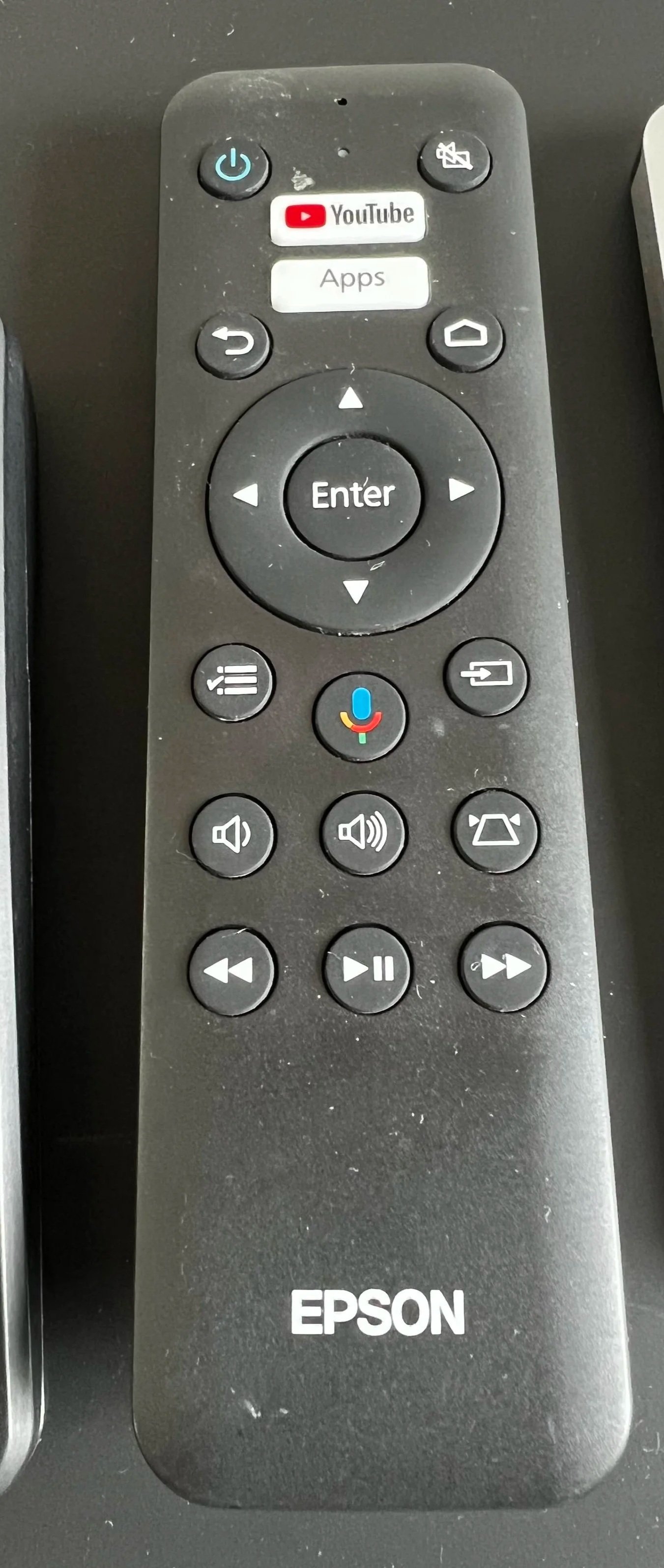
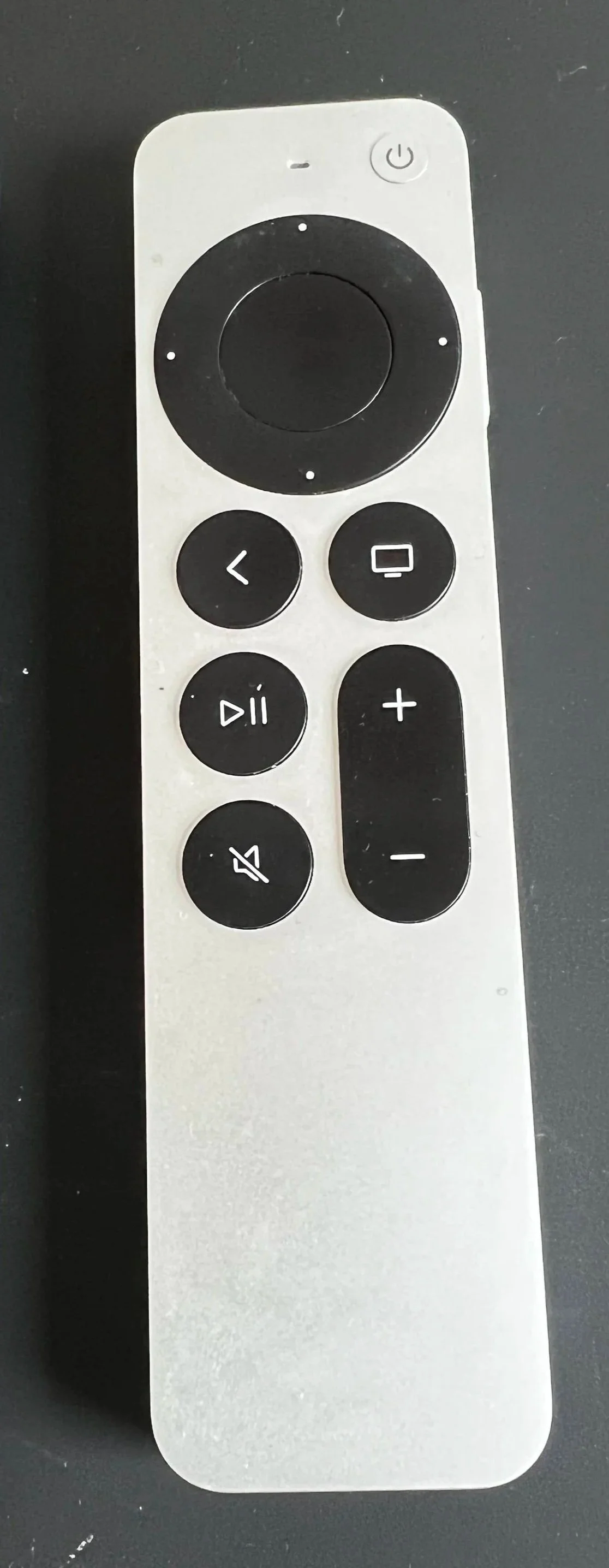
To operate the projector, screen and TV, there are three (3) controllers.
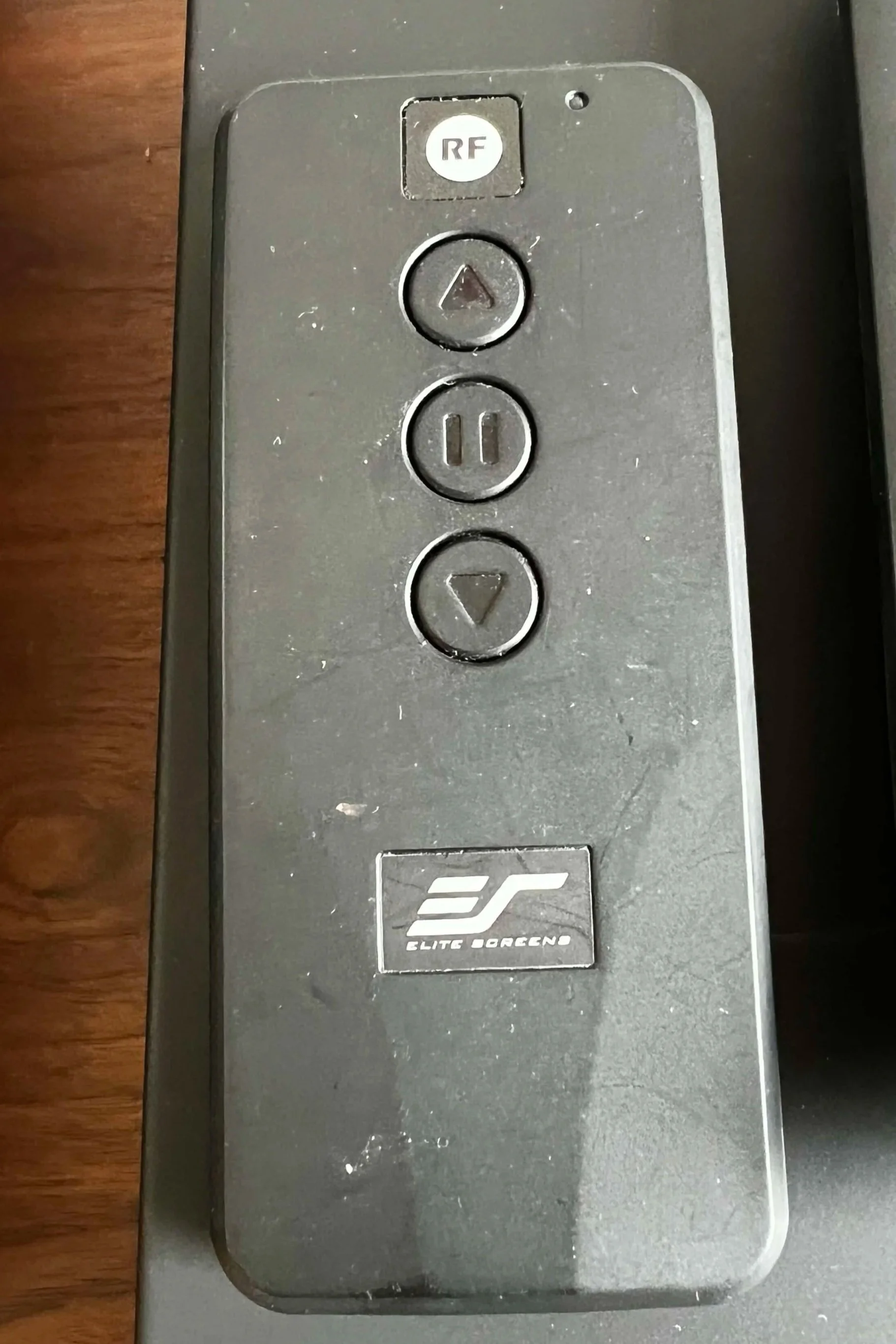
Screen
Arrows bring the screen down and back up. Please do not leave the screen down when not viewing.
Projector
Turn on with the blue power button upper left. You can use this controller or the Apple TV controller to adjust volume.
Apple TV
You will need to sign in to your Apple account. If it is not working, it usually means that it requires charging.
Locked Out of a Room
The following rooms have locks and keys are provided: room across hall from powder room and one master bedroom closet. All other bedrooms and closets don’t have keyed locks, but they do lock and can often be locked inadvertently. (We’ve been there!)
To unlock, insert a nail into the small pinhole in the doorplate to unlock. We’ve left a few in the drawer in the kitchen.
Washer and Dryer
The washer and dryer are ready for your use. Supplies can be found in the closet to the right of the machines.
Occasionally, the dryer will show CL and won’t open. This means that it is on CONTROL LOCK.
There are a number of resources online, but this is the most common things to try:
How to Unlock LG Washer/Dryer (CL Code)
Locate the Lock Button: Look for a padlock symbol, a smile icon, or a button labeled "Child Lock" or "Control Lock."
Common Button Pairs: On many front-load washers, you may need to press and hold two buttons simultaneously (e.g., Temp + Spin or Rinse + Spin) for 3 seconds.
Alternative Buttons: Some models use Steam, Delay End, or EcoHybrid buttons to activate/deactivate the lock.
TV Kitchen
Kitchen television is a Google TV and you can sign in using your Google account.
Dishwasher
The machine is relatively straight forward. Watch this quick video. If you want to download the Bosch app, you can get notifications when a cycle has completed.
Quick tutorial on dishwasher
Refrigerator
The refrigerator is pretty self explanatory, but does require replacing the filters regularly (every six months). We have learned the hard way that only LG parts should be used. They are available on Amazon with the links below: